Android TV / Amazon Firestick / Fire TV Box
Name: GoatTV Alpine
Downloader Code: 2567692
Installation Help (Text Only): (215) 821-8869
*We highly recommend you turn the install unknown apps on for the Goat TV application, this will ensure that your Goat TV app stay updated.
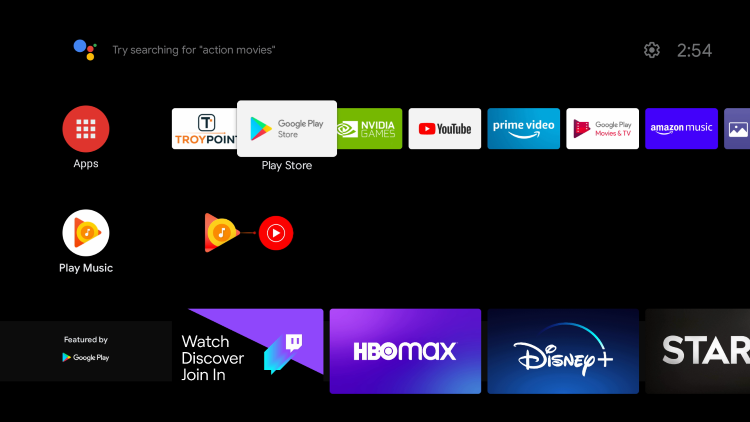
Step 1: Open Google Play Store
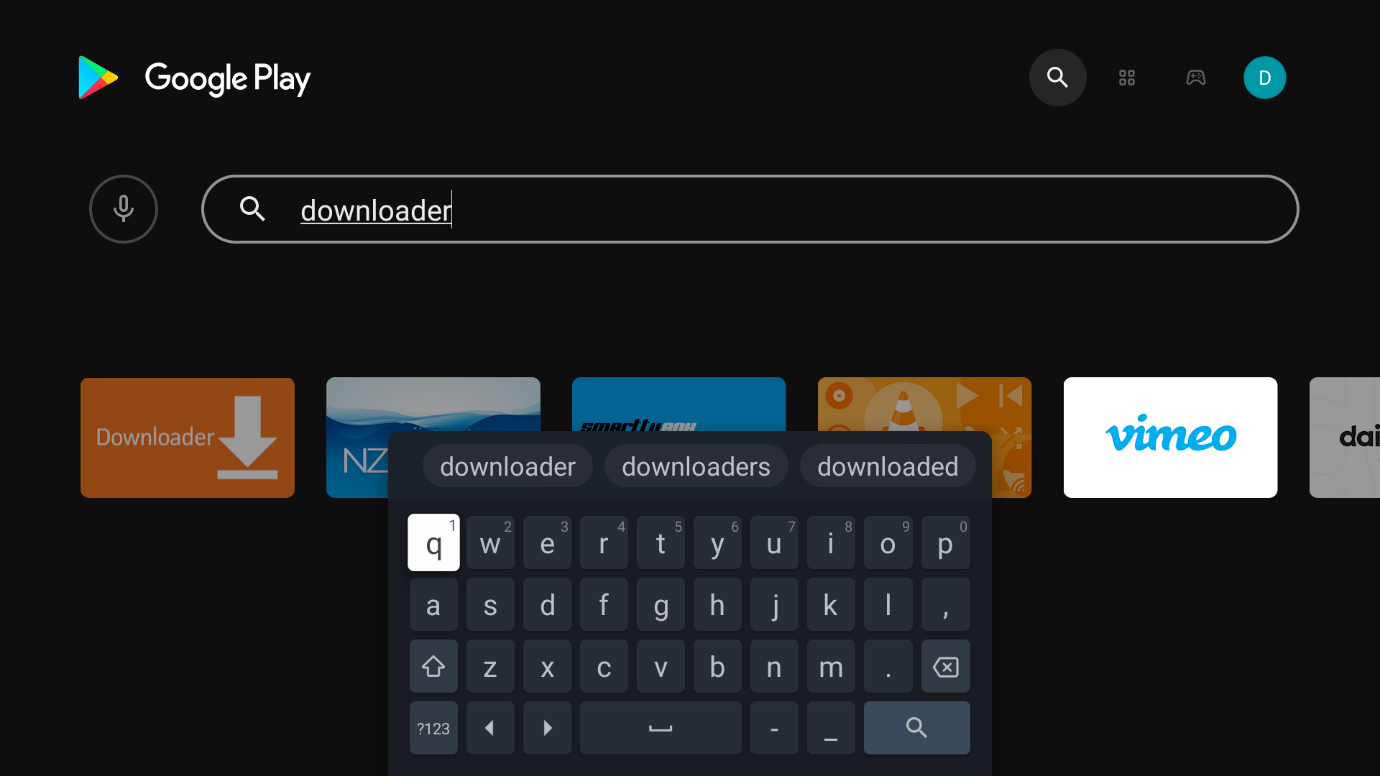
Step 2: Type in downloader
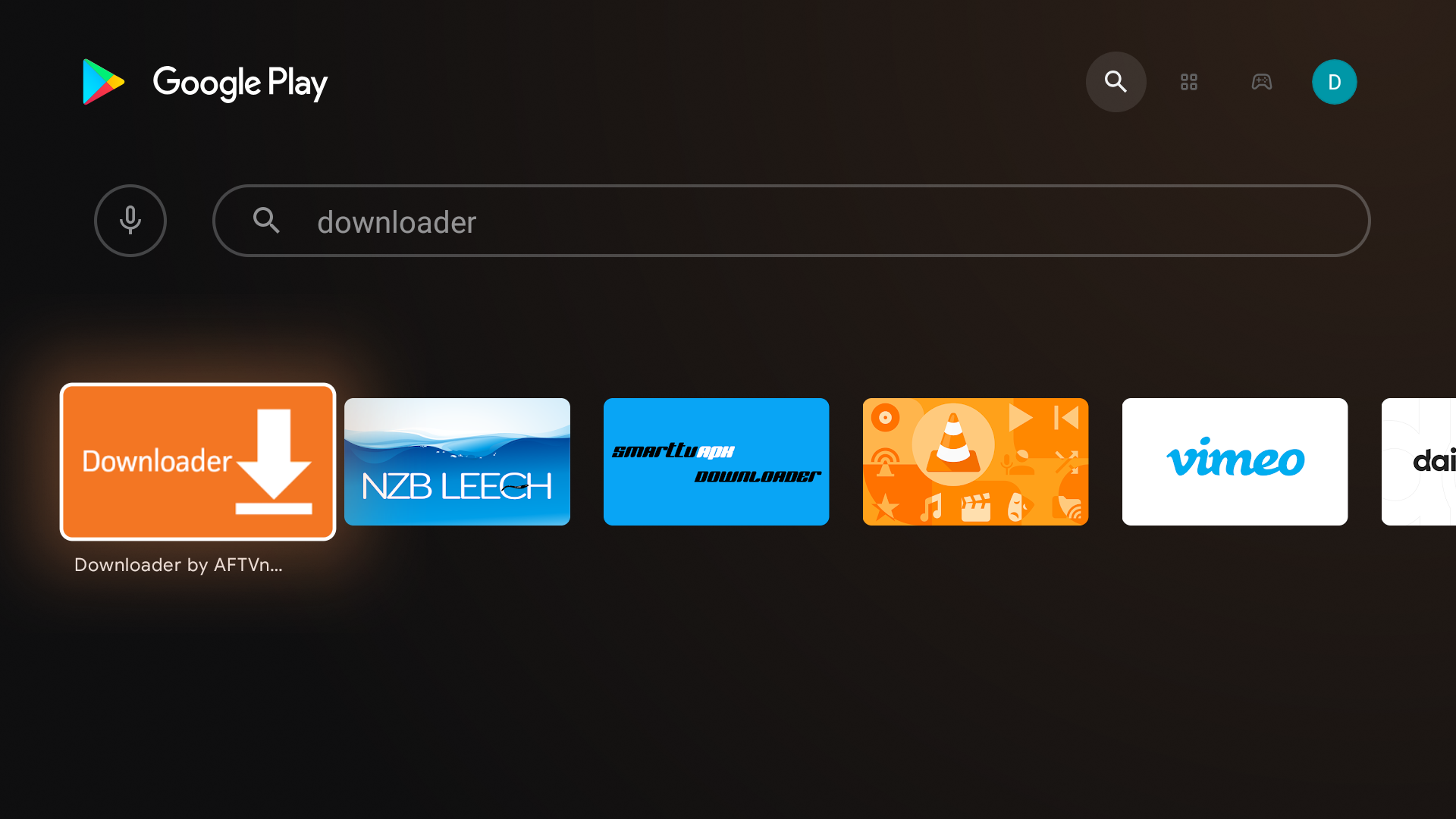
Step 3: Select the downloader app
Step 4: Select Download
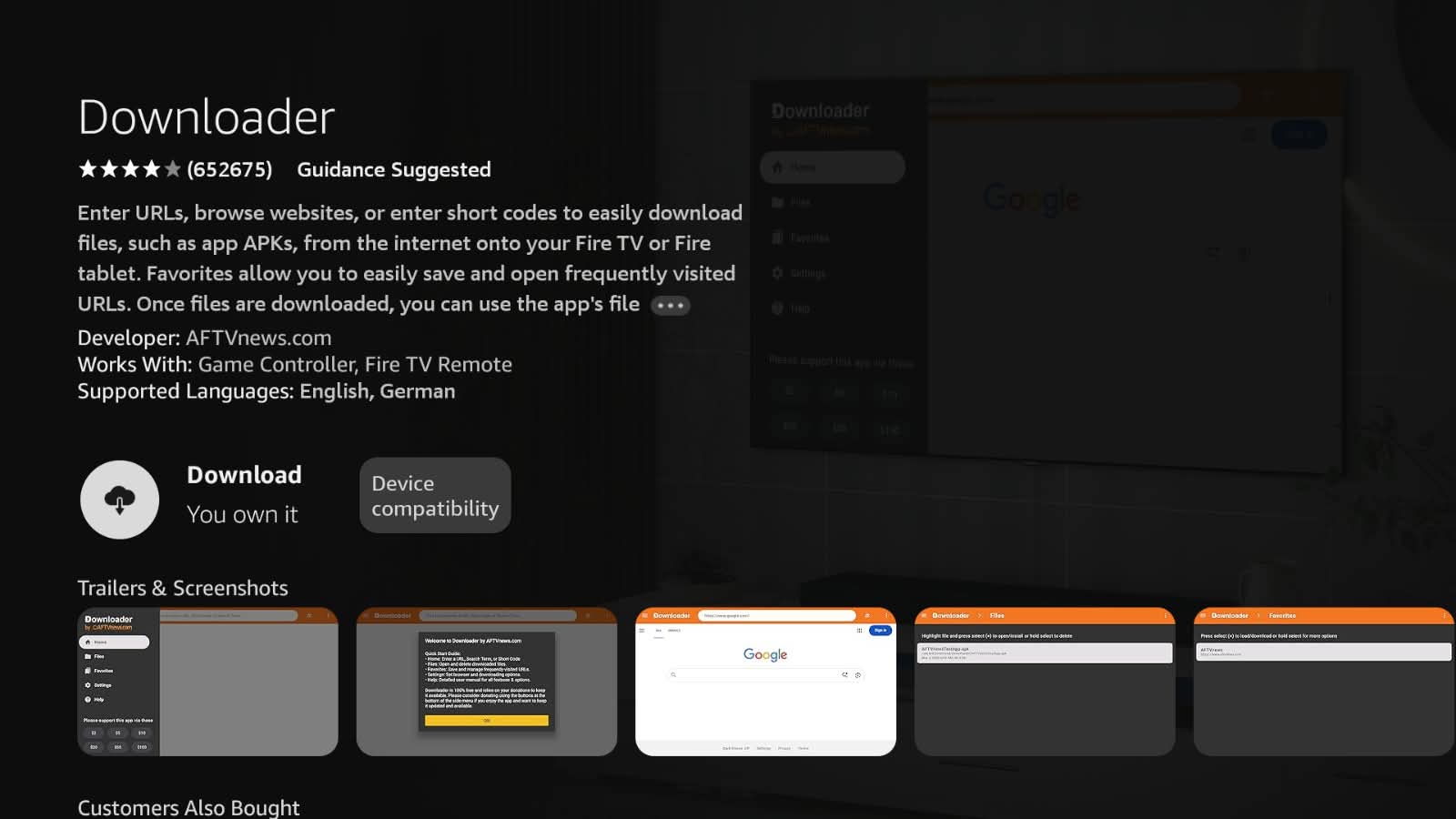
Step 5: Select open
Step 6: Select Allow when prompted
Step 7: Select OK
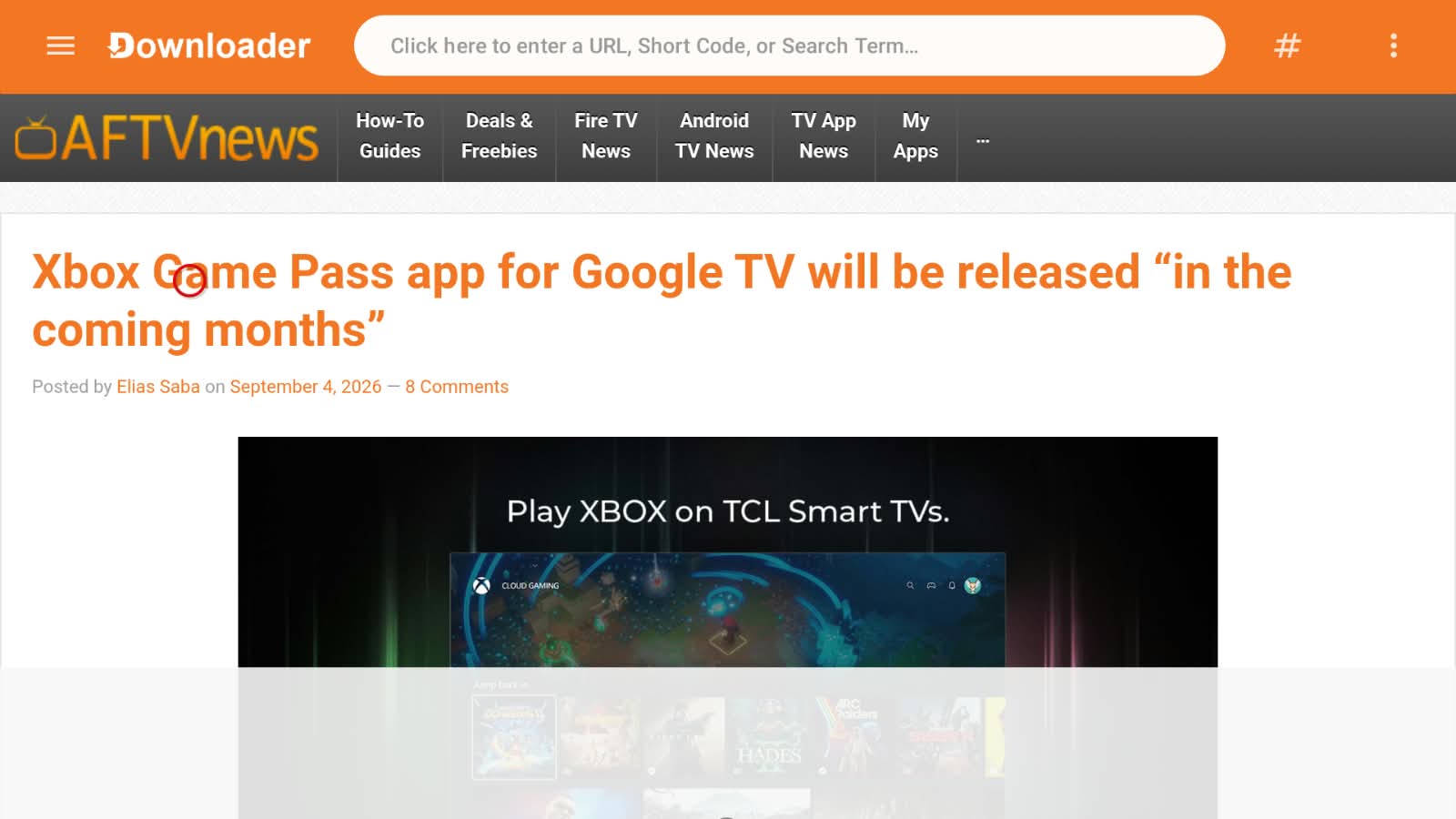
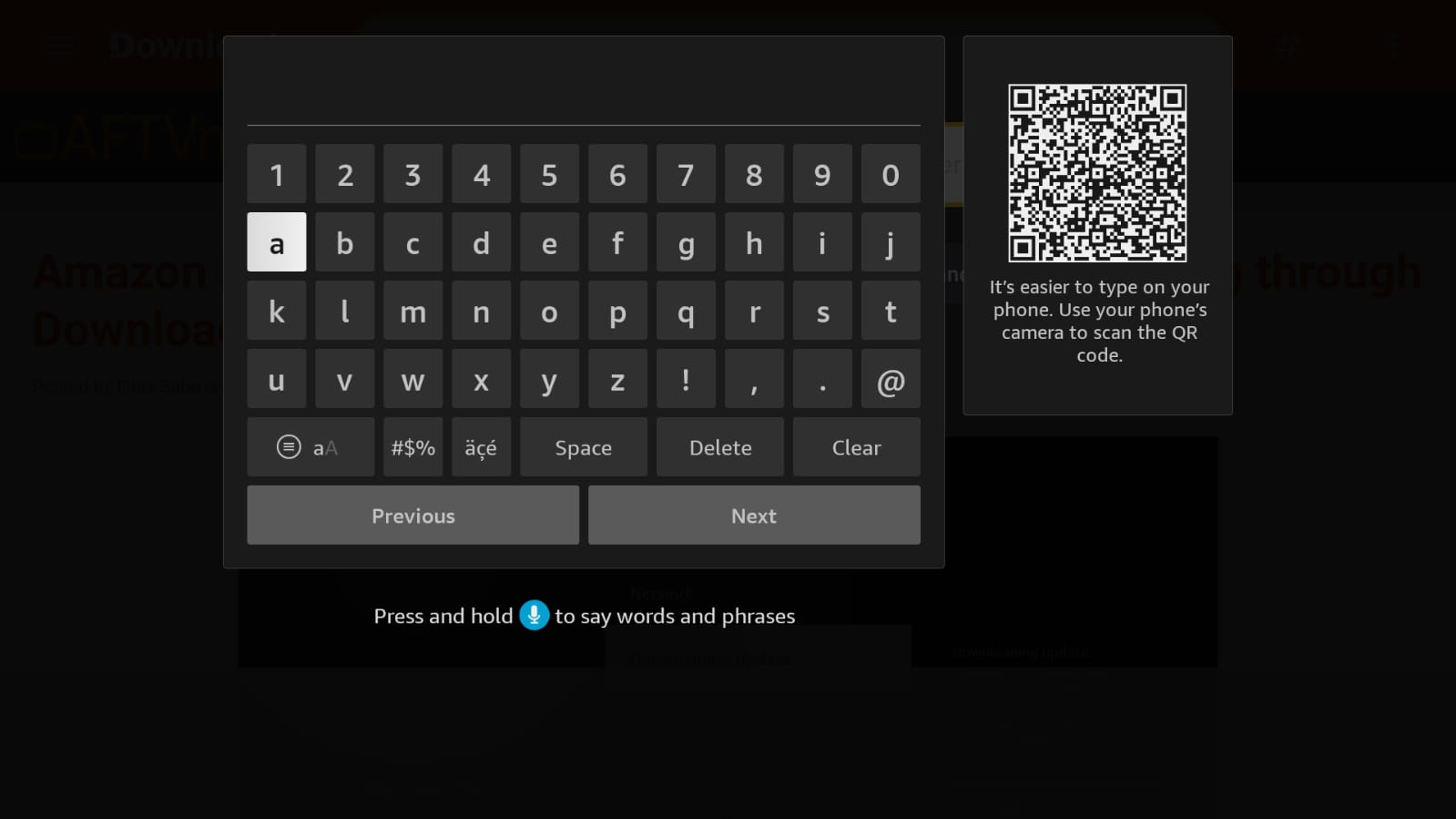
Step 8: Enter Downloader Code 2567692 and then select Next button
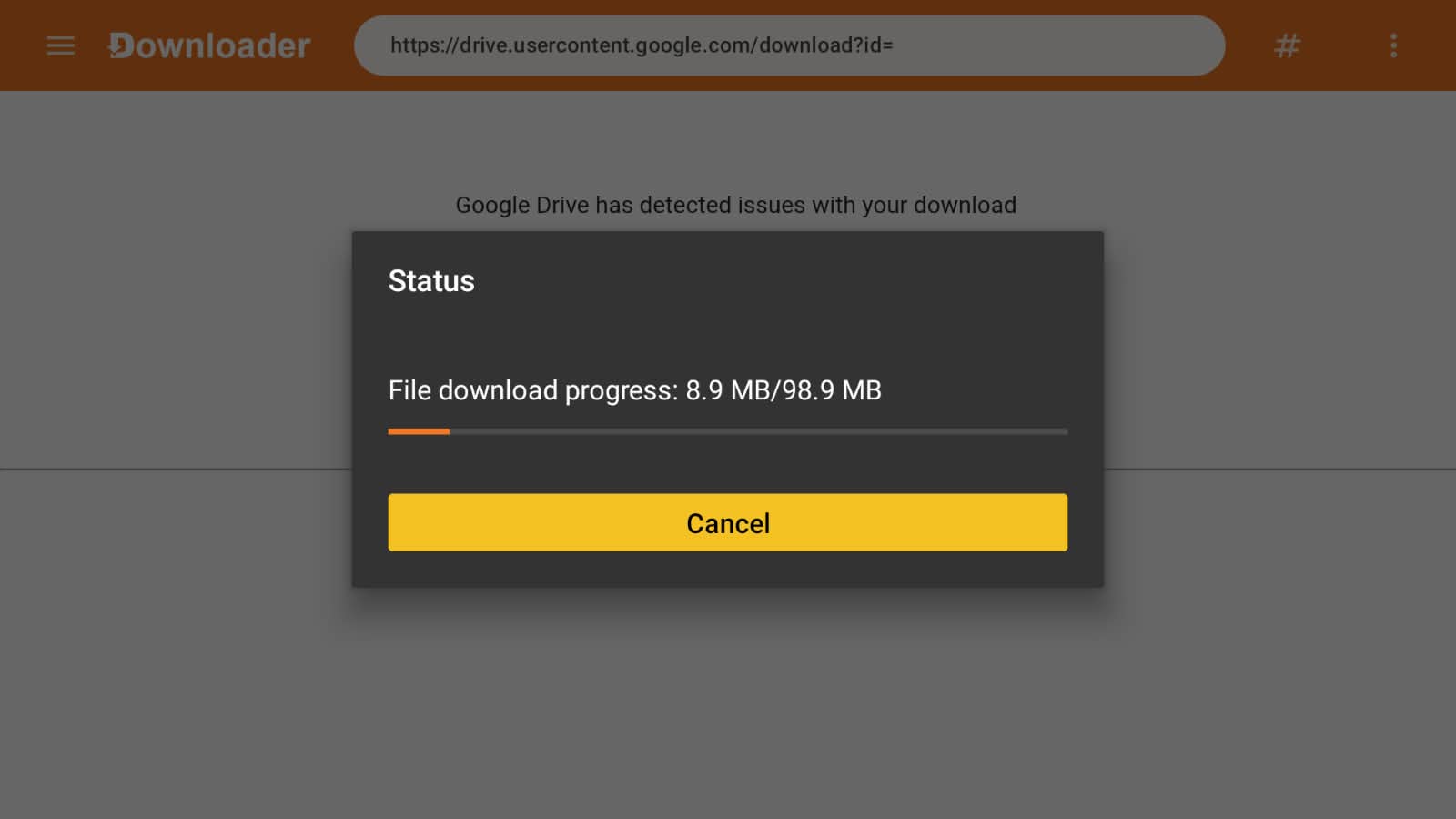
Step 9: If you entered the URL correctly the download will begin. Wait until the download is finished.
Step 10: Select Settings
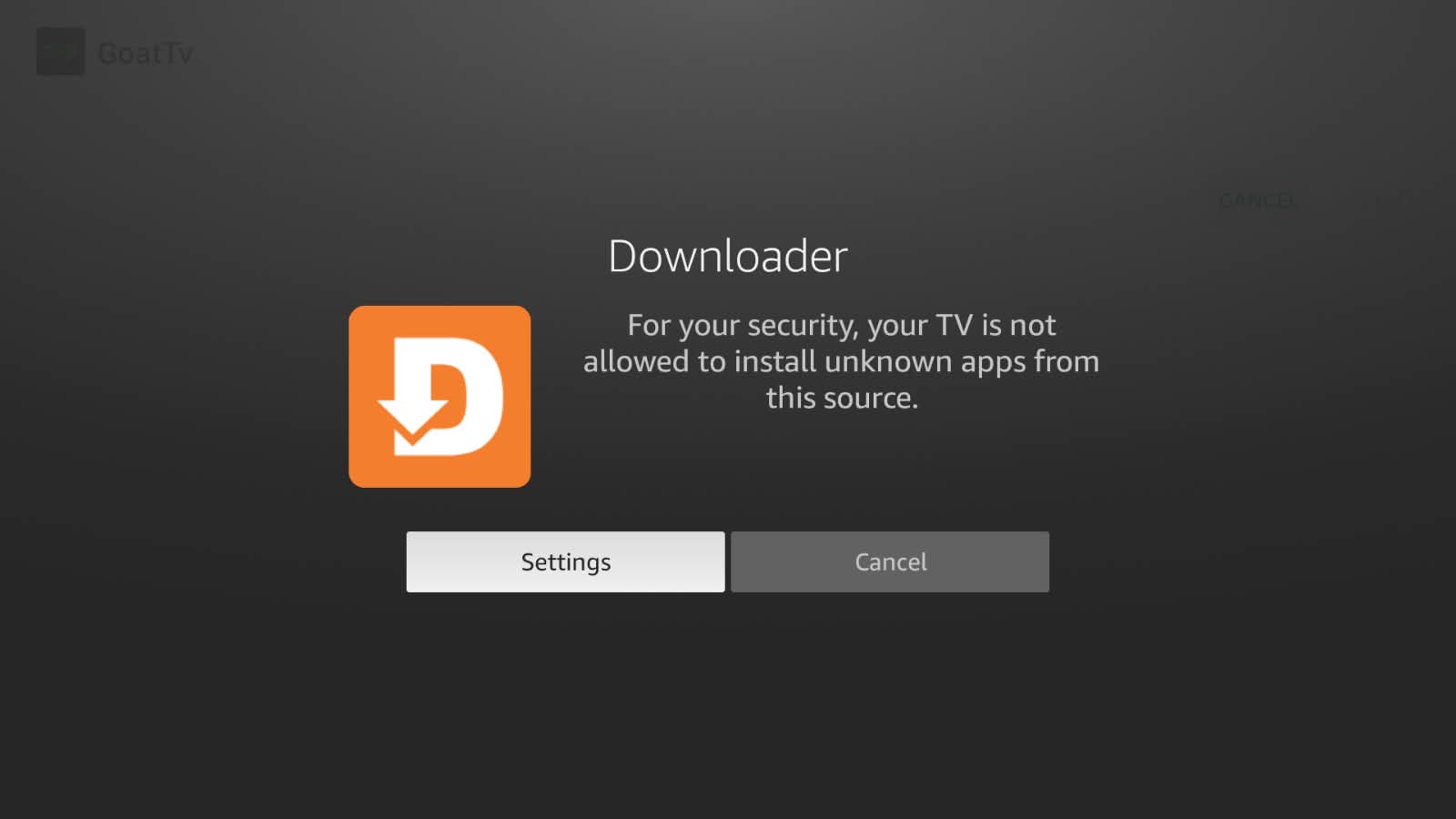
Step 11: Select Install unknown apps
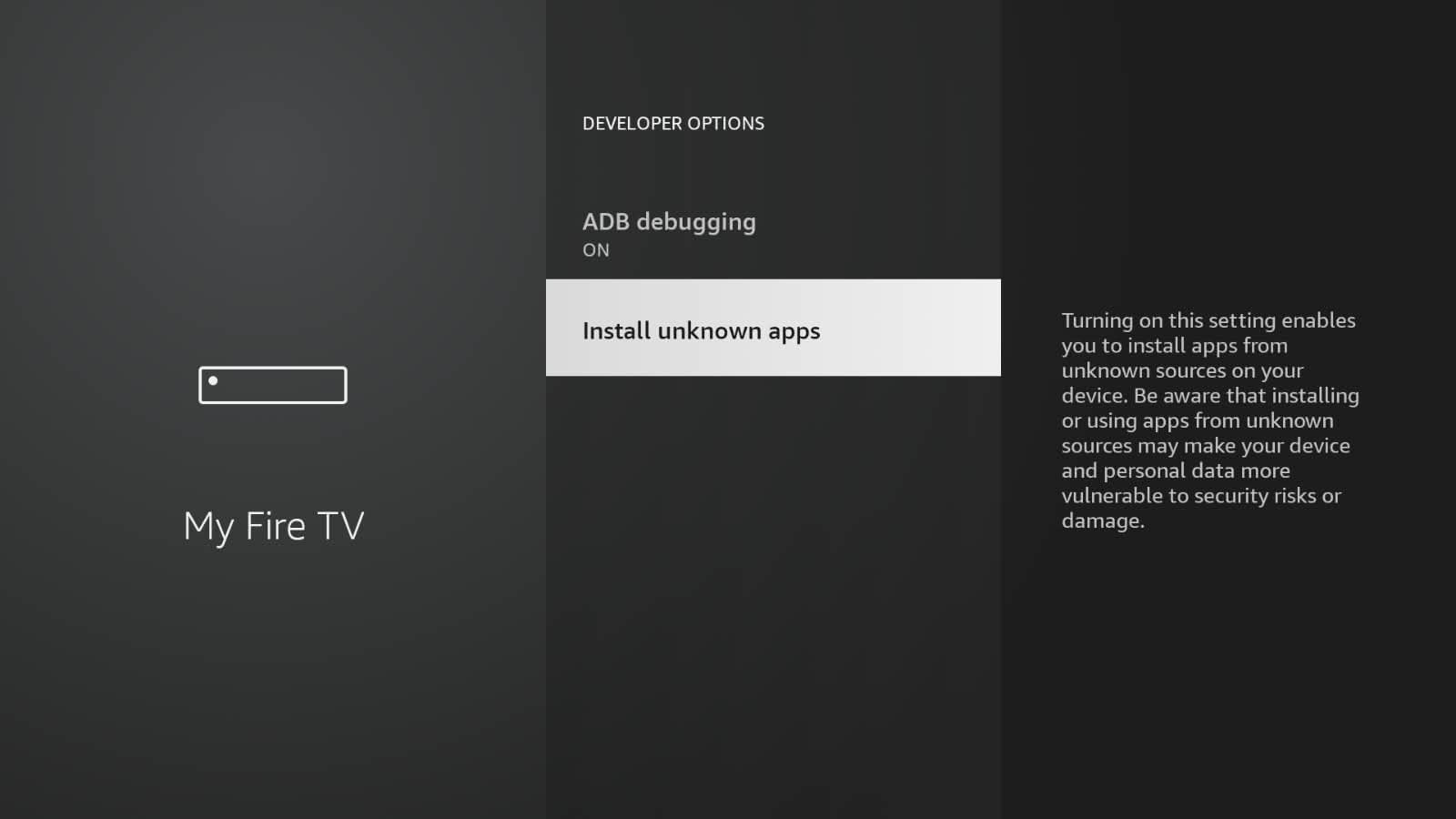
Step 12: Turn the install unknown apps ON for the downloader application.
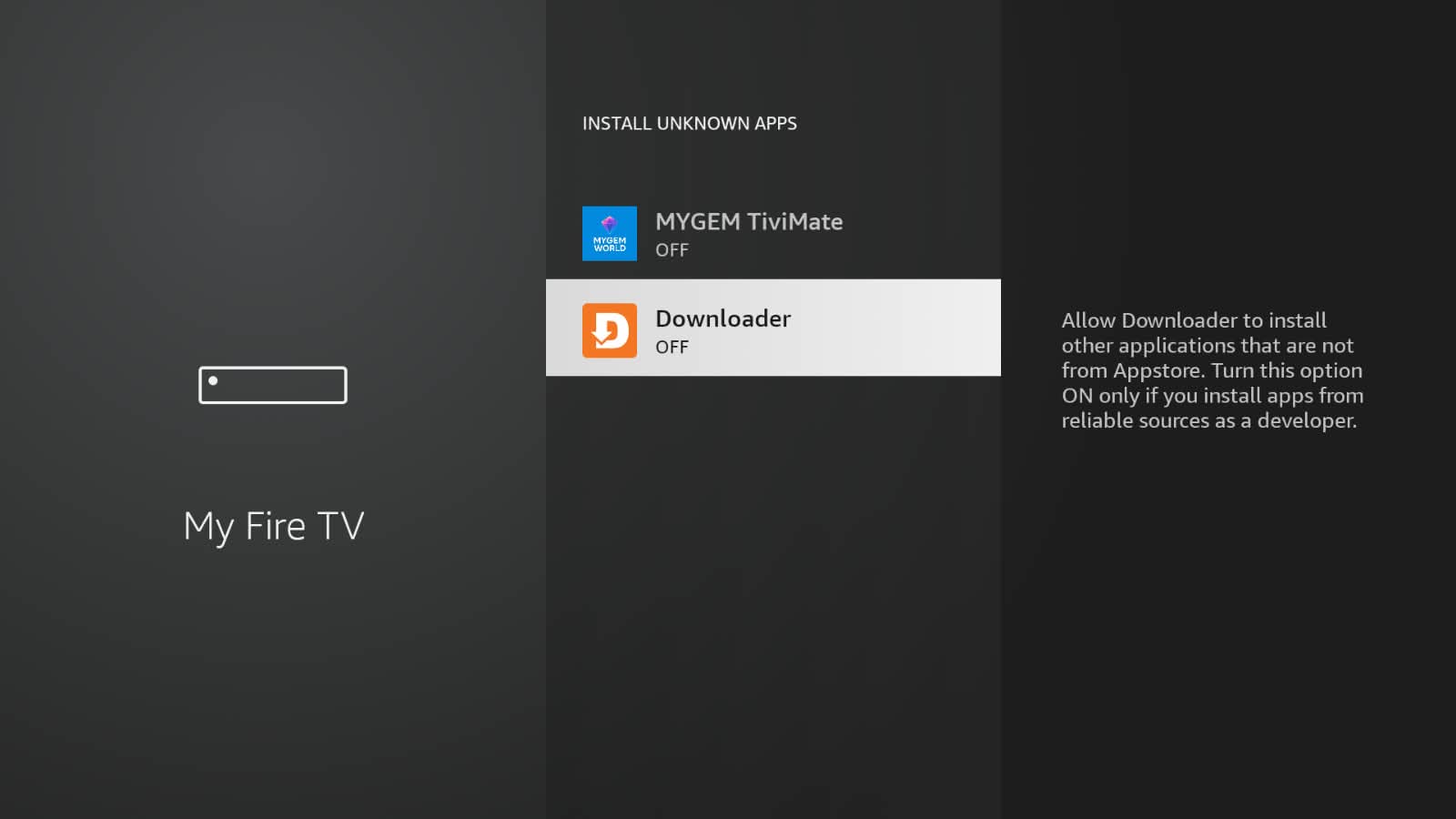
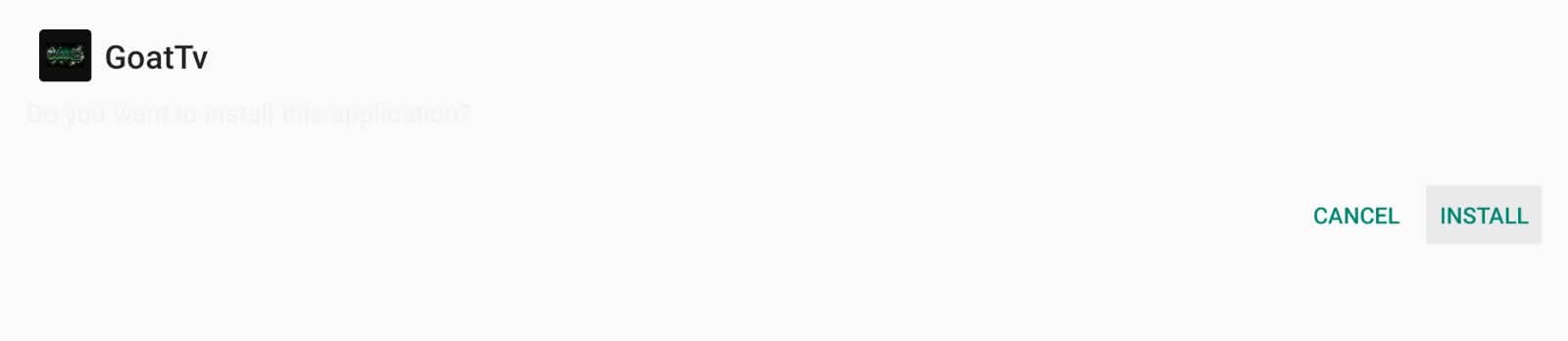
Step 13: Press the button on the remote (2) times, then click the install button
Step 14: On the next screen, click Install and install the file you just downloaded
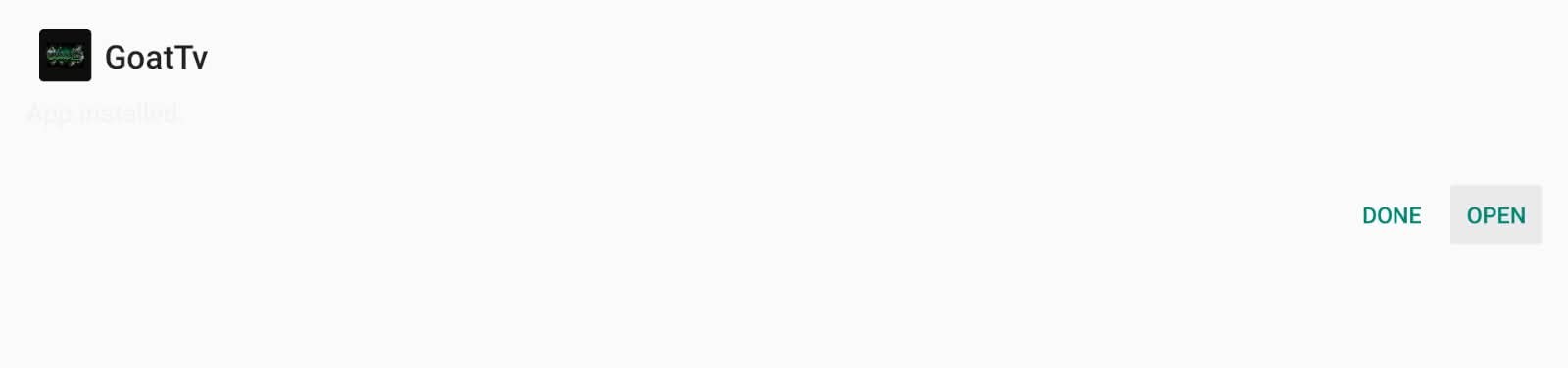
Step 15: Once it finishes installing, click on Open
Step 16:Use your remote to enter your Email or Username in the [Email or Username] field (Top line)
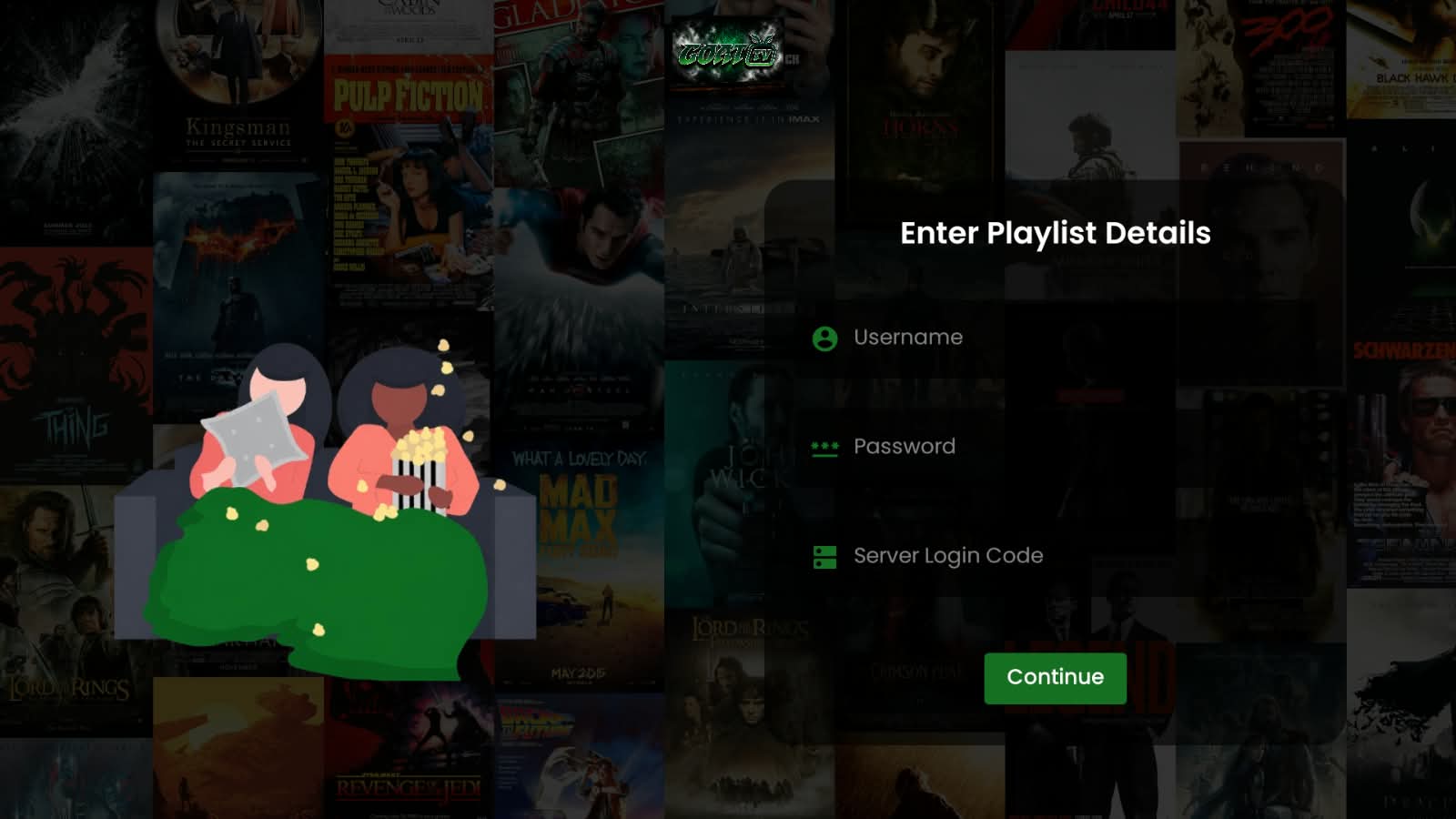
Your Password is case-sensitive!
Step 17: After entering your Email/Username click the NEXT Button and enter your password.
Step 18: After entering your Password click the Continue Button.
Enjoy!
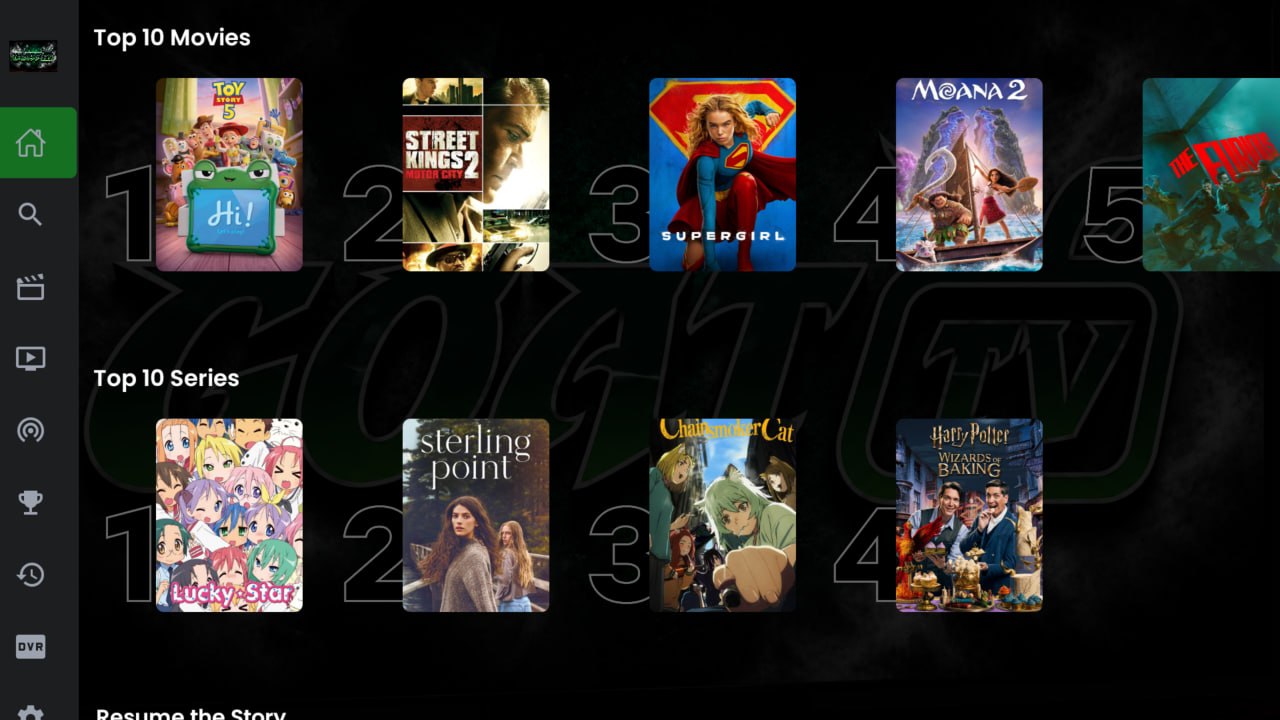
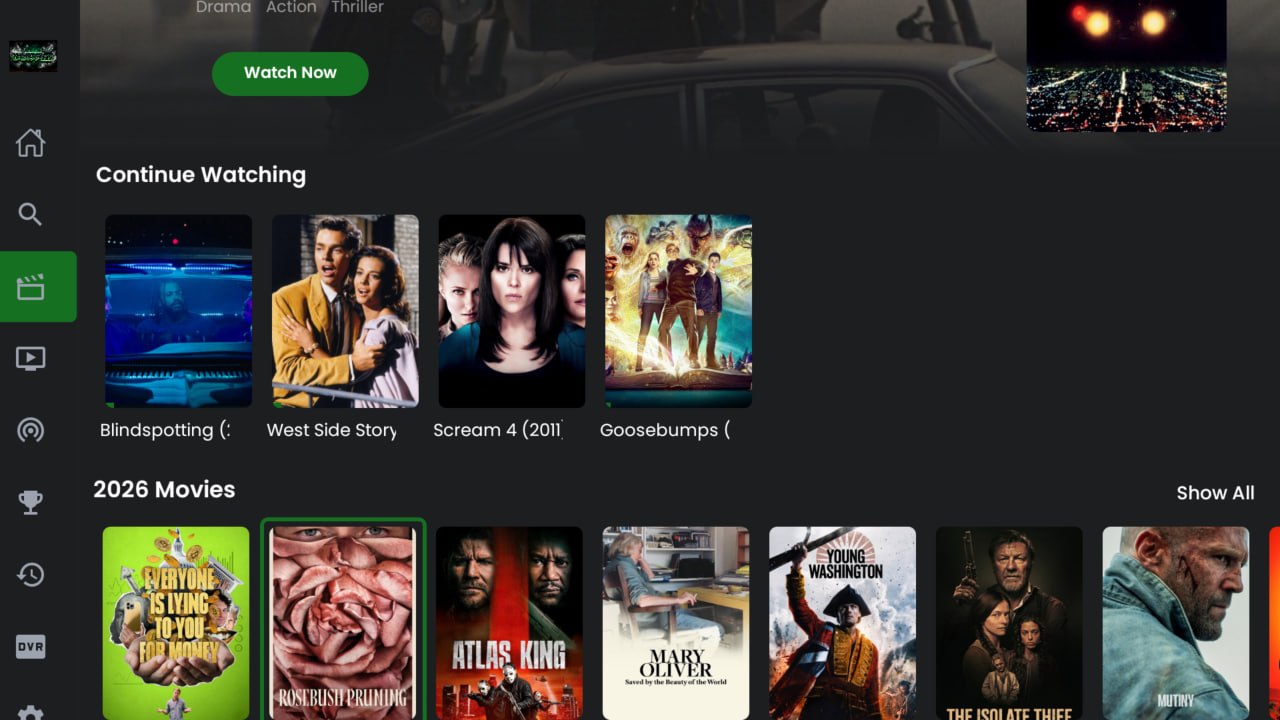
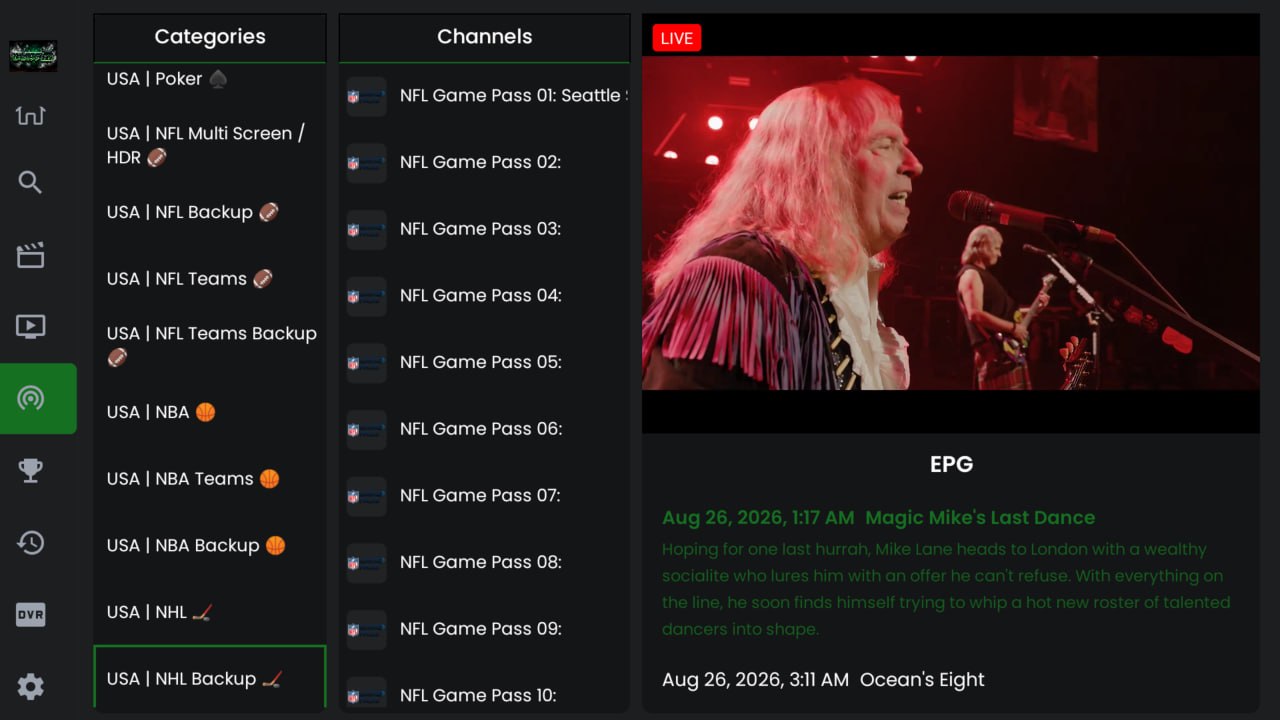
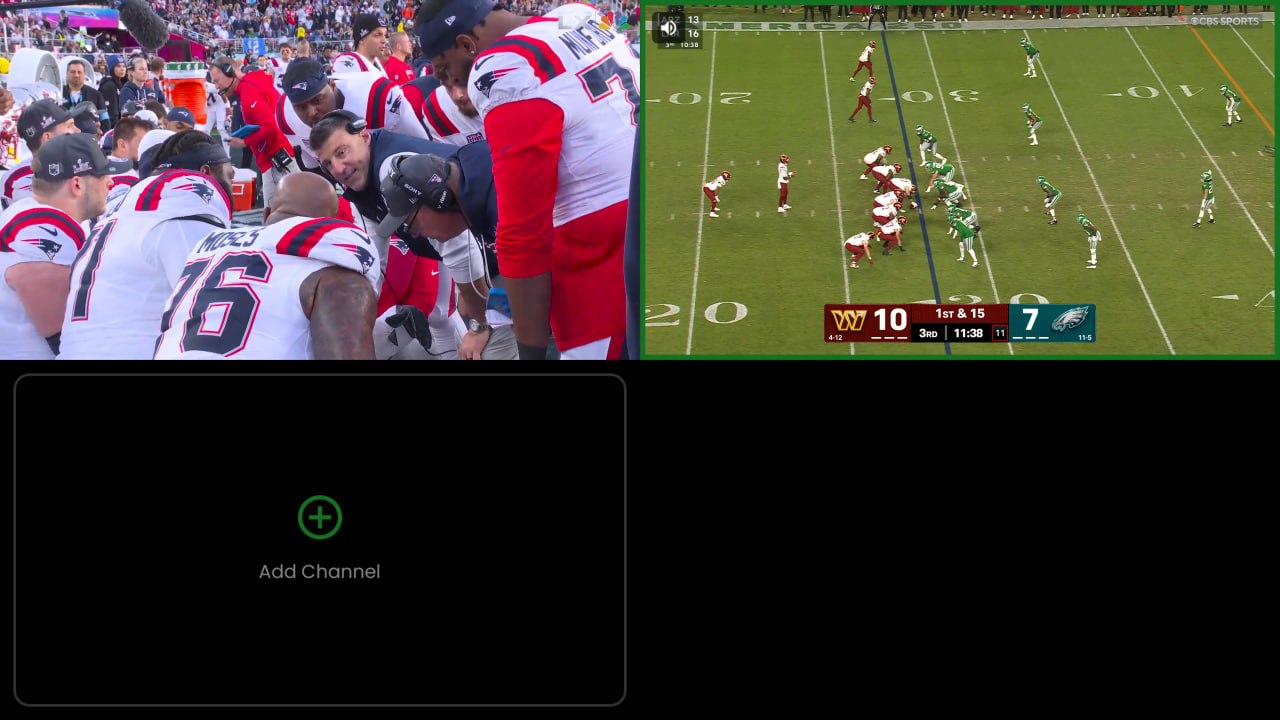
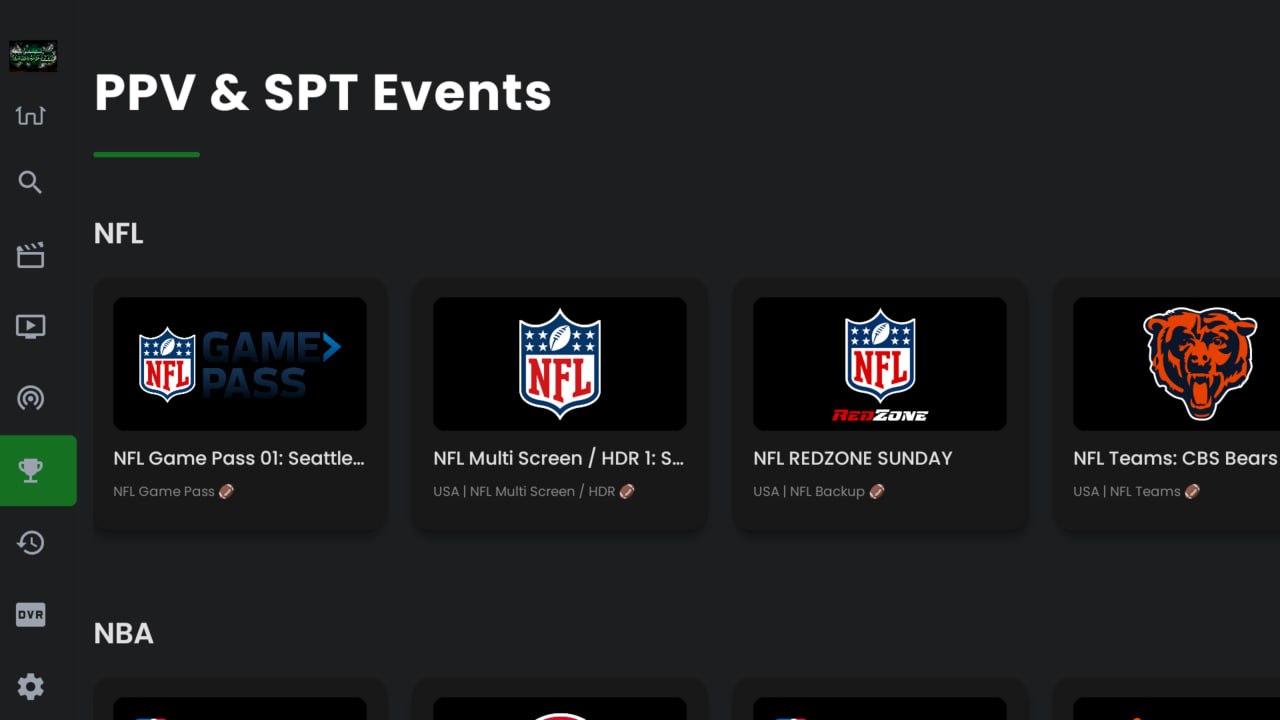
GOAT TV Alpine App — Interface Preview